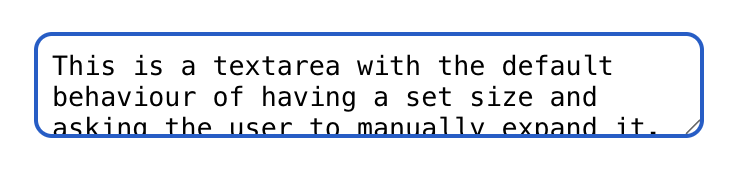
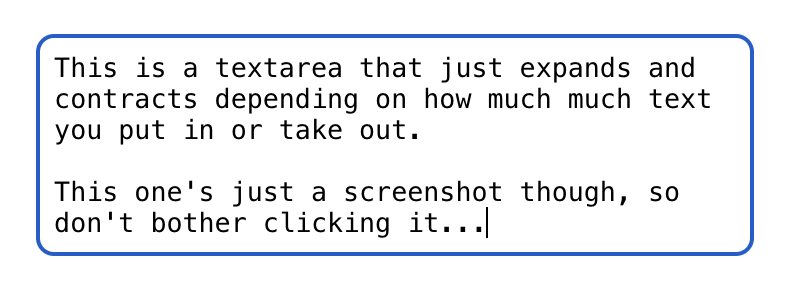
React code
Copyimport React, { useRef } from 'react'; ////////////// interface AutoHeightTextareaProps { onChange: (value: string) => void; style?: React.CSSProperties; } const AutoHeightTextarea = (props: AutoHeightTextareaProps) => { const textAreaRef = useRef<HTMLTextAreaElement>(null); const handleChange = (e: React.ChangeEvent<HTMLTextAreaElement>) => { console.log('handleChange') props.onChange(e.target.value); // This changes the height of the textarea if needed if (!textAreaRef.current) return; textAreaRef.current.style.height = props.style?.minHeight?.toString() ?? '1.5em'; textAreaRef.current.style.height = `${textAreaRef.current.scrollHeight}px`; }; console.log('rerendering'); return ( <textarea ref = {textAreaRef} onChange={handleChange} style = {{ resize: 'none', overflow: 'hidden', width: '100%', border: '1px solid #000', borderRadius: '8px', // 0 padding on the bottom edge helps it look visually balanced with the top. padding: '8px 8px 0px 8px', backgroundColor: 'transparent', ...props.style, }} /> ); }; export default AutoHeightTextarea;
Note that in the code above, I don’t manage the value of the textbox separately. This means that if I needed to re-render the component the value would be lost. If you do need re-render at all (Or need to give it an initial value), put it in a useState managed variable that you update in when handling the change.
 designdebt.club